
Think you need months of study to learn programming? Think again.
This Python crash course gets you from zero to useful code fast.
You’ll learn variables, loops, functions, and error handling through tiny projects and hands-on examples.
No heavy theory, just small steps that map to real tasks like automating spreadsheets or building a simple web page.
By the end you’ll have working scripts you can run and improve.
Start here if you want quick, practical Python skills that actually stick.
Getting Started With Python
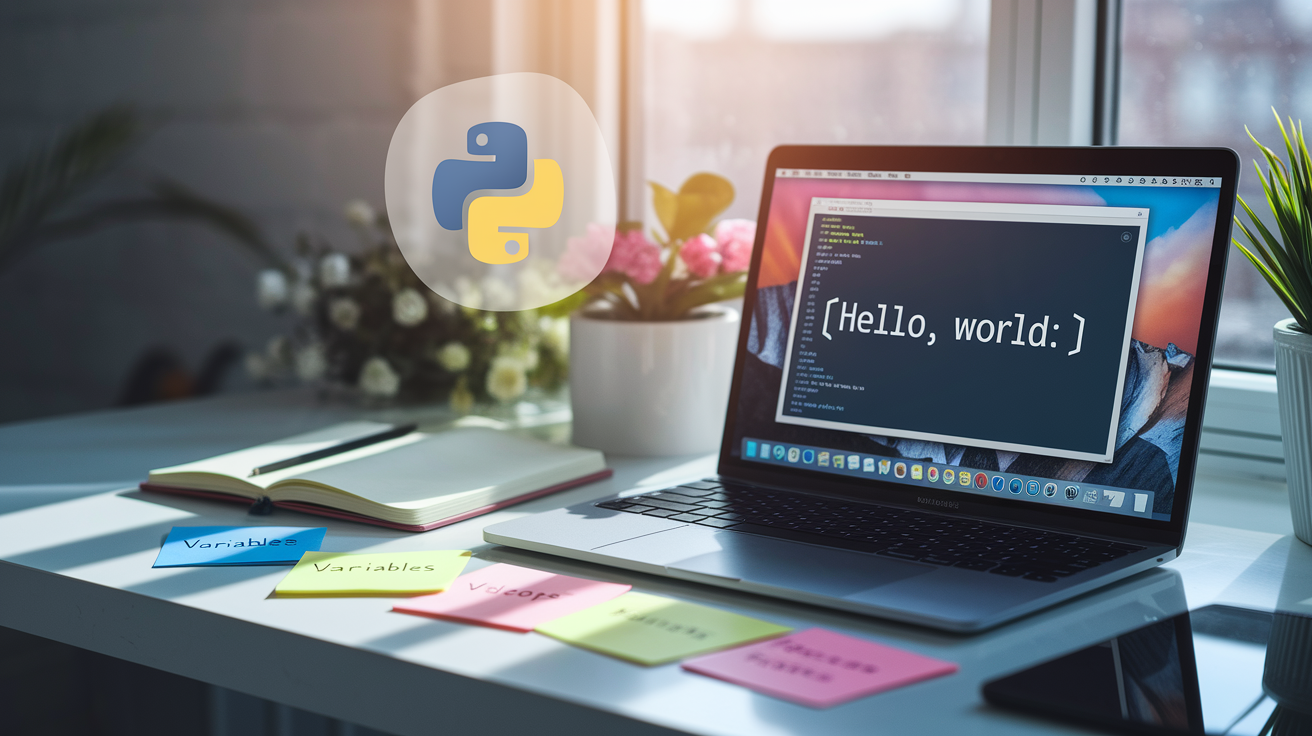
Python is an interpreted, high-level programming language built around readability and simplicity. It uses clear, English-like syntax that makes it one of the easiest languages to pick up. You don’t need any coding experience to start. Python runs on Windows, Mac, and Linux. It powers everything from simple scripts to complex web applications.
This crash course walks you through the essentials with a project-first approach. You’ll learn variables, data types, loops, functions, and error handling through short code snippets and practical examples. No theory overload. Each concept connects directly to what you’ll actually use when building real programs. The goal? Steady progress and small wins that build confidence quickly.
Python shows up everywhere in the real world. Developers use it for web development with frameworks like Django and Flask, automation scripts that handle repetitive tasks, data science and machine learning projects, and system administration. Whether you want to automate a boring spreadsheet task or build a small web app, Python gives you a toolset that works across dozens of use cases.
Here’s your first Python program:
print("Hello, World!")
Run this single line in any Python environment and you’ll see “Hello, World!” appear on your screen. That’s it. You just wrote and executed code.
Installing Python and Setting Up Your Environment
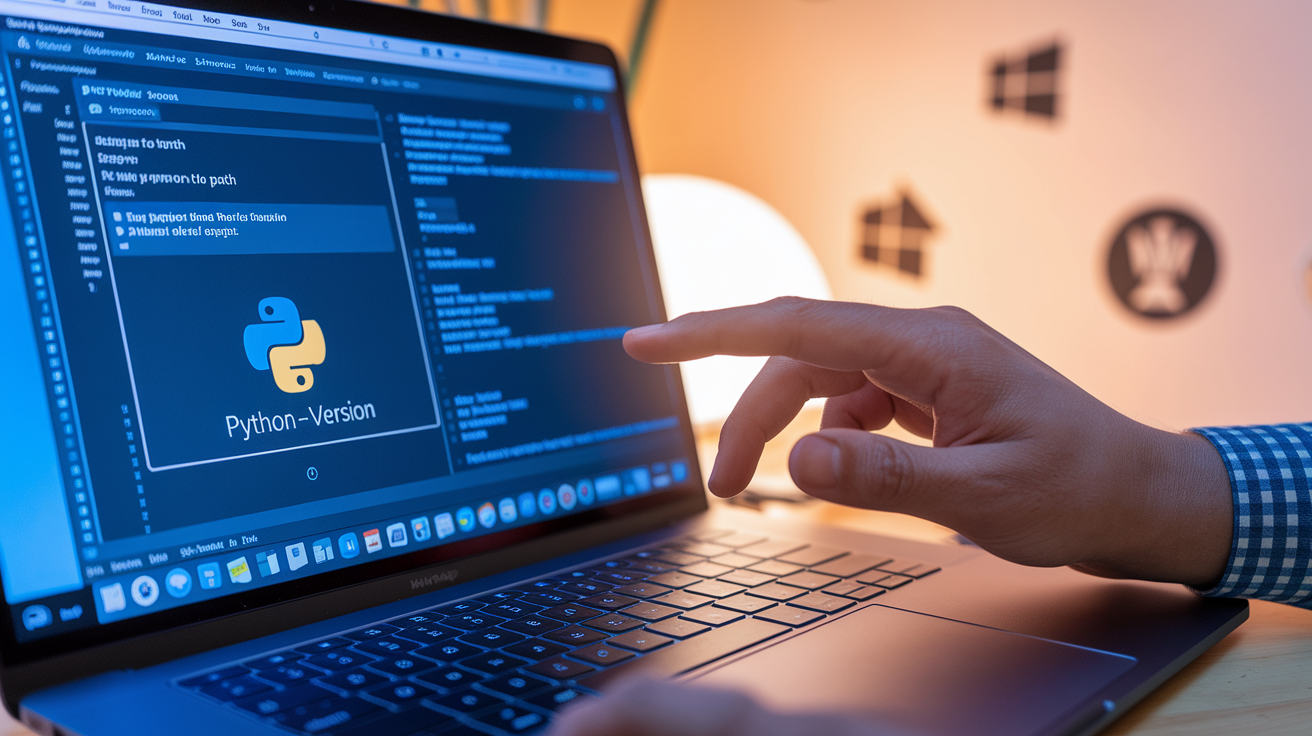
Download Python from python.org and grab the latest stable version for your operating system. The installer walks you through setup in a few clicks. During installation, check the box that says “Add Python to PATH” so you can run Python commands from any terminal or command prompt window without extra configuration.
After installation, verify Python’s ready by opening your terminal or command prompt and typing:
python --version
You should see a version number like Python 3.12 or similar. If the command doesn’t work, try python3 --version instead. Some systems use that alias to avoid conflicts with older Python 2 installations.
Here’s what you need to do:
- Download the installer from python.org and run it
- Check “Add Python to PATH” during installation
- Open your terminal or command prompt
- Type
python --versionto confirm installation worked
For writing code, you’ll need a text editor or IDE. VS Code is lightweight and popular. PyCharm offers more features but takes longer to learn. IDLE ships with Python and works fine for beginners. Pick one, install it, and you’re ready to write your first scripts.
Core Python Syntax Essentials
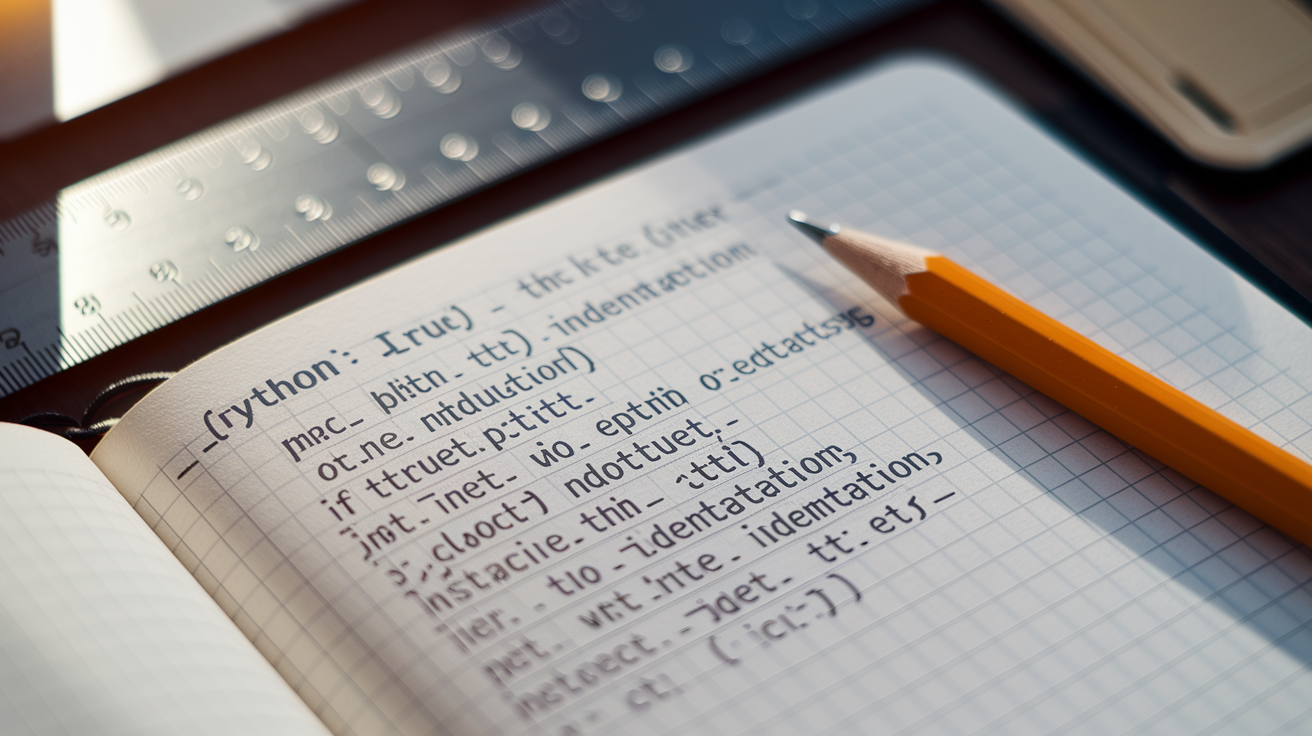
Python uses indentation to define code blocks instead of curly braces or keywords. When you write an if statement or a loop, everything indented beneath it belongs to that block. Use four spaces per indentation level. Mixing tabs and spaces causes errors, so pick one and stick with it. Most editors handle this automatically when you press Tab.
Comments start with the # symbol and extend to the end of the line. Python ignores everything after the hash mark. Use comments to explain tricky logic or leave notes for yourself. Statements typically end with a line break. You don’t need semicolons. One statement per line keeps code readable and matches Python’s philosophy of simplicity.
Here’s how indentation works in practice:
# This is a comment
if True:
    print("This line is indented")
    print("So is this one")
print("This line is not indented, so it's outside the if block")
The two indented lines run only if the condition’s true. The final print statement always runs because it sits at the base indentation level. This structure makes Python code look clean and forces you to organize your logic visually.
Variables and Data Types
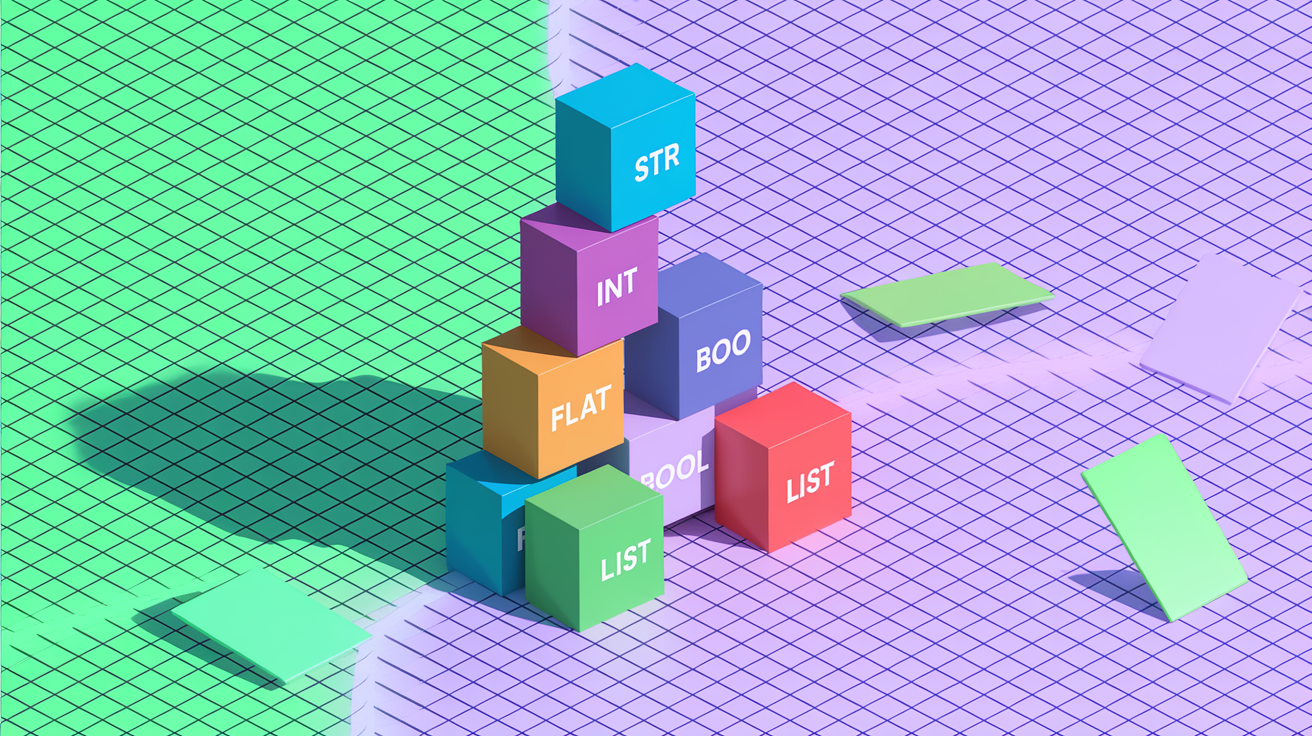
Python variables hold data without requiring type declarations. You create a variable by assigning a value with the equals sign. The language figures out the type automatically based on what you assign. You can change a variable’s type later by assigning a new value of a different type. This flexibility’s called dynamic typing.
Python includes several built-in data types you’ll use constantly:
str for text strings enclosed in quotes, like “hello” or ‘world’
int for whole numbers without decimals, like 42 or -10
float for numbers with decimals, like 3.14 or -0.5
bool for True or False values used in logic
list for ordered collections that can change, like [1, 2, 3]
dict for key-value pairs organizing related data, like {“name”: “Alice”, “age”: 30}
Here’s a quick example showing variable assignments:
name = "Alice"          # string
age = 30                # integer
height = 5.6            # float
is_student = False      # boolean
scores = [85, 90, 78]   # list
Each variable stores a different type of data. You can print any variable with print(name) or combine them in operations. Variables make your code flexible because you can update values without rewriting logic.
Working With Lists, Tuples, and Dictionaries
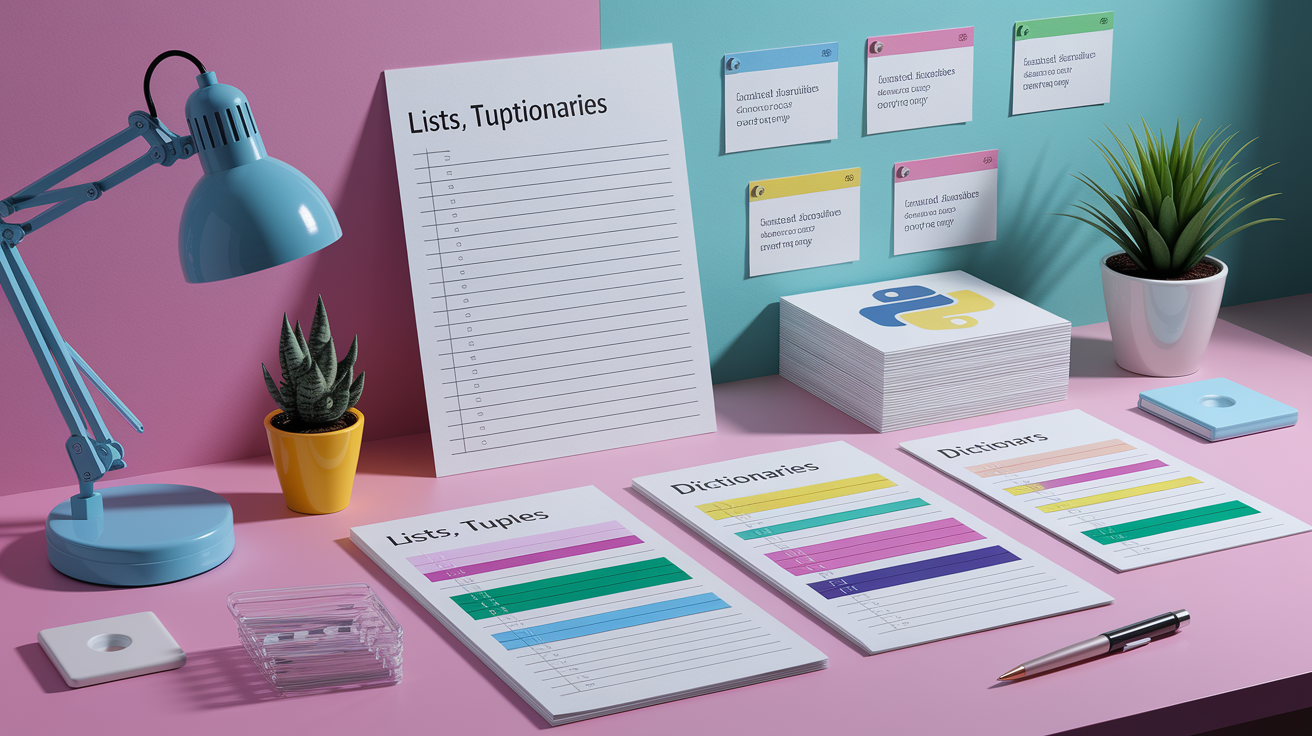
Lists are Python’s most flexible collection type. They hold items in order and let you add, remove, or change elements after creation. You define a list with square brackets and separate items with commas. Lists work well when you need to track multiple related pieces of data, like a to-do list or a series of measurements.
Tuples look similar but use parentheses instead of brackets. The key difference is immutability. Once you create a tuple, you can’t change its contents. Use tuples when you want to group related values that shouldn’t be modified, like coordinates or RGB color values. Trying to change a tuple raises an error.
Dictionaries store data as key-value pairs inside curly braces. Each key maps to a value, and you retrieve values by referencing their keys. Dictionaries shine when you need to organize related information, like a user profile or configuration settings. Keys must be unique, but values can repeat.
# List example
tasks = ["Write code", "Test program", "Fix bugs"]
tasks.append("Deploy")

# Tuple example
coordinates = (10, 20)

# Dictionary example
user = {"name": "Bob", "age": 25, "city": "Seattle"}
print(user["name"])
Lists grow and shrink as needed. Tuples stay fixed. Dictionaries let you access data by meaningful labels instead of numeric indexes. These three structures handle most data organization tasks in Python.
Conditional Logic and Loops

Python uses if, elif, and else statements to branch code execution based on conditions. You write a condition after if, and the indented block beneath runs only when the condition’s true. Add elif for additional checks and else as a catch-all when nothing else matches. Conditions often compare values using operators like ==, !=, <, >, <=, and >=.
Loops let you repeat code without copying and pasting. The for loop iterates through sequences like lists, strings, or ranges. It’s the go-to tool when you know how many times to repeat something or when you’re processing each item in a collection. The while loop keeps running as long as its condition stays true. Use while when you don’t know in advance how many iterations you’ll need, like waiting for user input or checking a changing condition.
Here’s how conditionals and loops look in practice:
# Conditional example
age = 18
if age < 13:
    print("Child")
elif age < 20:
    print("Teenager")
else:
    print("Adult")

# For loop example
for number in [1, 2, 3, 4, 5]:
    print(number * 2)

# While loop example
count = 0
while count < 3:
    print("Counting:", count)
    count += 1
The if/elif/else block assigns a label based on age. The for loop doubles each number in the list. The while loop prints a counter until it reaches 3. These structures give you control over when and how many times your code executes.
Functions and Reusable Code

Functions are reusable blocks of code that perform specific tasks. You define a function with the def keyword, give it a name, and list any parameters it needs in parentheses. Parameters are variables that receive values when someone calls the function. Functions can return results using the return keyword, which sends a value back to the caller.
Writing functions keeps your code organized and eliminates repetition. Instead of copying the same logic in multiple places, you write it once in a function and call that function whenever you need it. Functions also make debugging easier because you can test one piece of logic in isolation. Name your functions clearly to describe what they do, like calculate_tax or send_email.
def greet(name):
    message = f"Hello, {name}!"
    return message

def add_numbers(a, b):
    return a + b

# Using the functions
greeting = greet("Alice")
print(greeting)

result = add_numbers(10, 5)
print(result)
The greet function takes a name and returns a personalized greeting. The add_numbers function takes two numbers and returns their sum. Both examples show parameters flowing in and return values flowing out. Functions turn scattered logic into modular, testable pieces.
Error Handling and Debugging Basics

Python uses try and except blocks to catch errors without crashing your program. You wrap risky code in a try block, then write one or more except blocks to handle specific errors. If the code in try fails, Python jumps to the matching except block and runs that code instead. This pattern lets you anticipate problems and respond gracefully, like showing a helpful message instead of a scary traceback.
Common beginner errors include NameError when you reference a variable that doesn’t exist, TypeError when you use the wrong type in an operation, and SyntaxError when you break Python’s grammar rules. Reading error messages carefully helps you fix problems faster. Python tells you the line number, the error type, and usually a hint about what went wrong. You’ll get better at reading tracebacks as you encounter more errors.
try:
    number = int(input("Enter a number: "))
    result = 10 / number
    print(result)
except ValueError:
    print("That's not a valid number.")
except ZeroDivisionError:
    print("You can't divide by zero.")
This snippet asks the user for a number and divides 10 by it. If the user types text instead of a number, the ValueError block runs. If they enter zero, the ZeroDivisionError block catches it. Without try/except, either mistake would stop the program. Error handling keeps things running smoothly.
Mini Projects for Hands-On Practice
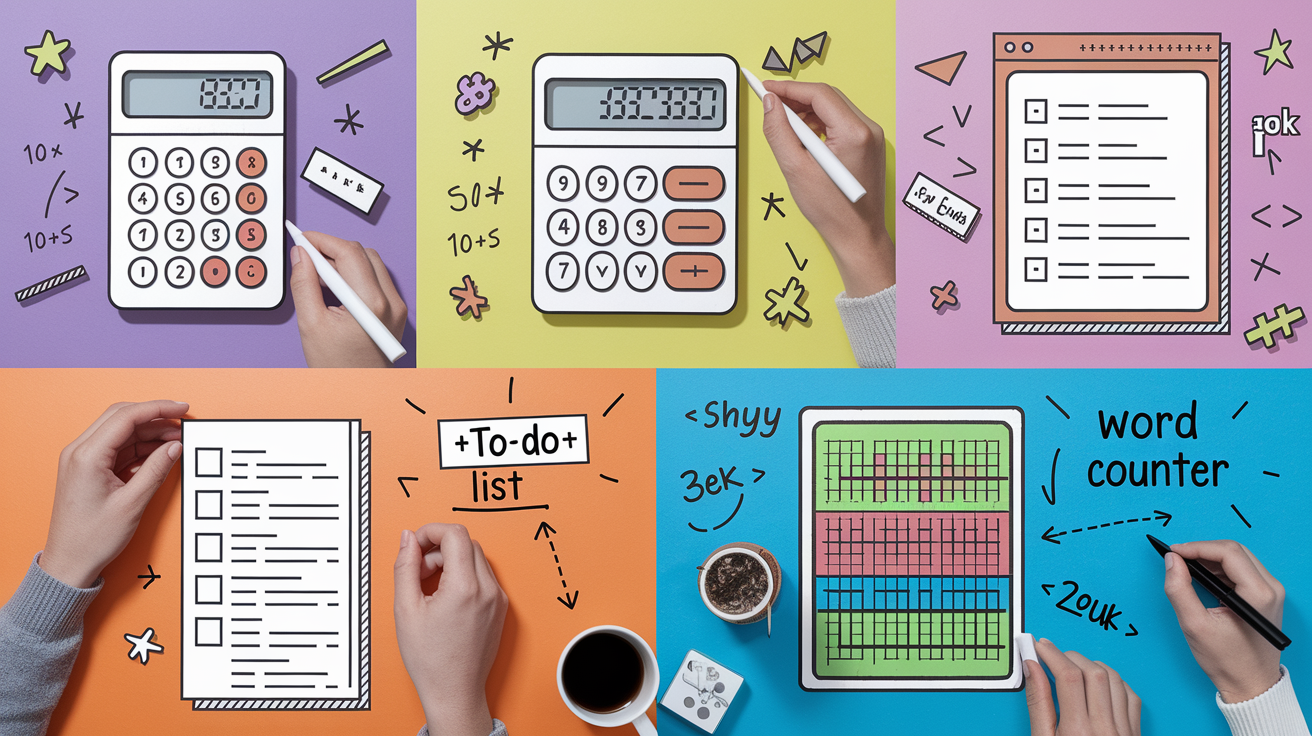
Building small projects cements everything you’ve learned. Each project forces you to combine variables, loops, conditionals, functions, and data structures into a working program. You’ll hit errors, fix them, and learn patterns that apply to bigger projects later. Start with something simple and add features once the basics work.
Here are four beginner-friendly projects to try:
Simple Calculator where you prompt the user for two numbers and an operation, then display the result using if/elif to handle addition, subtraction, multiplication, and division.
Number Guessing Game that generates a random number and lets the user guess until they get it right, giving “higher” or “lower” hints after each guess.
To-Do List built as a command-line menu where users can add tasks, view tasks, mark tasks complete, and quit the program.
Word Counter that reads a text file and counts how many times each word appears, then displays the top five most common words.
Each project takes between two and six hours depending on your pace. If you get stuck, break the problem into smaller steps. Write one function at a time. Test each piece before moving on. Celebrate when it works, even if it’s rough around the edges. These mini-projects feel small now, but they teach the same problem-solving mindset you’ll use in every future Python program you write.
Recommended Learning Resources
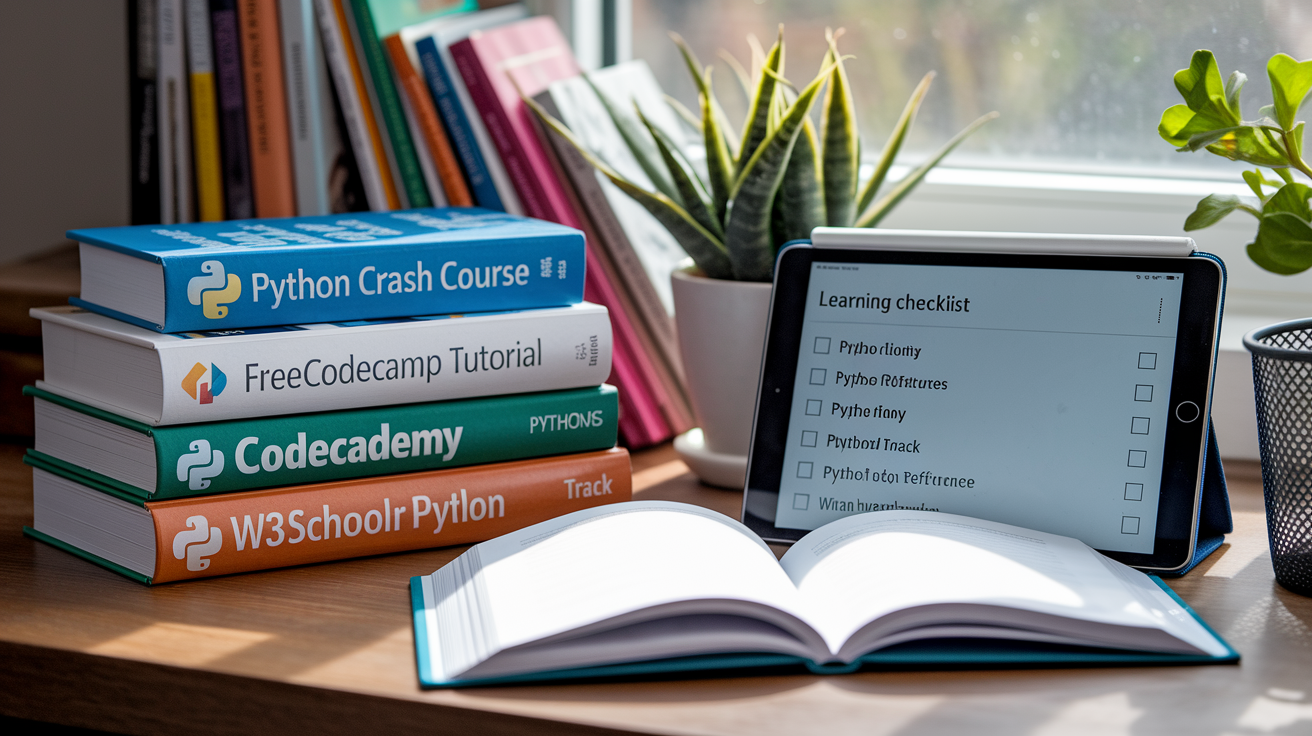
Eric Matthes’ “Python Crash Course” is one of the most popular beginner books. It covers fundamentals in the first half and walks you through three hands-on projects in the second half. The teaching style mirrors the project-first approach in this article. The book’s third edition stays current with the latest Python features and best practices.
Free online platforms give you interactive practice without installing anything. Codecademy offers a guided Python track with instant feedback. FreeCodeCamp provides a three-hour video crash course plus written tutorials and a supportive community. W3Schools delivers quick reference pages and try-it-yourself code editors. Pick one that matches your learning style and use it alongside this guide for extra practice.
Four trusted resources to explore next:
Python Crash Course by Eric Matthes gives you a book with detailed explanations and full projects
FreeCodeCamp Python Tutorial offers a free three-hour video covering setup through APIs
Codecademy Python Track provides interactive lessons with instant code feedback
W3Schools Python Reference delivers quick syntax lookup and runnable examples
Rotate between reading, watching, and coding. Theory alone won’t stick. Build something small every day. When you hit a wall, check documentation or ask a question in a beginner-friendly forum. Python’s community is huge, and someone has already solved the problem you’re facing right now.
Final Words
You ran print(“Hello, World!”), installed Python, and wrote basic syntax, variables, lists, and a function. You practiced conditionals, loops, and a simple try/except. The post showed setup steps, code snippets, and mini projects to try.
Use this python crash course as a checklist: follow the install steps, run the examples, build one small project, and debug along the way. Keep things small and steady. Every tiny program moves you forward, and you’re ready to keep going.
FAQ
Q: Is a Python Crash Course worth it?
A: A Python Crash Course is worth it if you want fast, hands-on learning; it teaches core syntax, small projects, and practical skills to automate tasks, build simple apps, and continue learning.
Q: What is the 80/20 rule in Python?
A: The 80/20 rule in Python means focusing on the 20% of features—variables, control flow, functions, lists, and dicts—that let you solve about 80% of everyday tasks and scripts.
Q: Is 2 hours a day enough to learn Python?
A: Two hours a day is enough to learn Python if you practice consistently, mix short lessons with small projects, and keep progressing; expect basic skills in weeks and comfort in a few months.
Q: Does NASA use C++ or Python?
A: NASA uses both C++ and Python: Python for scripting, data analysis, automation, and prototyping; C++ for performance-critical, real-time, or embedded systems where speed and control matter.